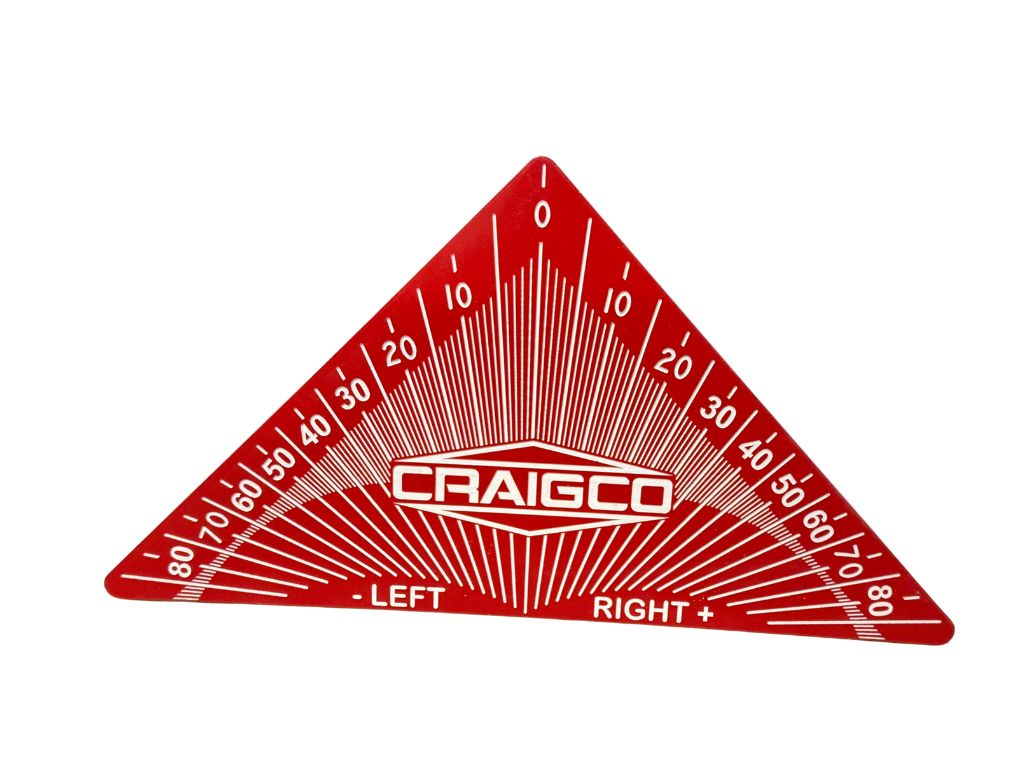
Angle Setting Tool
Angle Setting Tool – MinCom Rack Version
The Angle Setting Tool is designed specifically for MinCom-style racks and is slim enough to fit between rows of tubes. It allows you to set tube angles accurately and consistently without relying on a level table, bench, or gravity-based angle finder.
Traditional gravity angle finders only work correctly if the surface the rack is sitting on is perfectly level. If it isn’t, your angles are off before you ever get to the field. For some people being within a few degrees is fine. For others, that isn’t acceptable.
This tool eliminates that problem entirely.
Instead of referencing gravity, the Angle Setting Tool references:
- the horizontal surface of the rack, and
- the edge of the tube itself
By basing the angle off the rack and tube geometry, the tool gives you a true, repeatable angle regardless of whether the work surface is level or not. Once the rack is placed in the field, you simply level the rack — the tube angles are already correct.
The result is a faster, more consistent setup with far less guesswork.
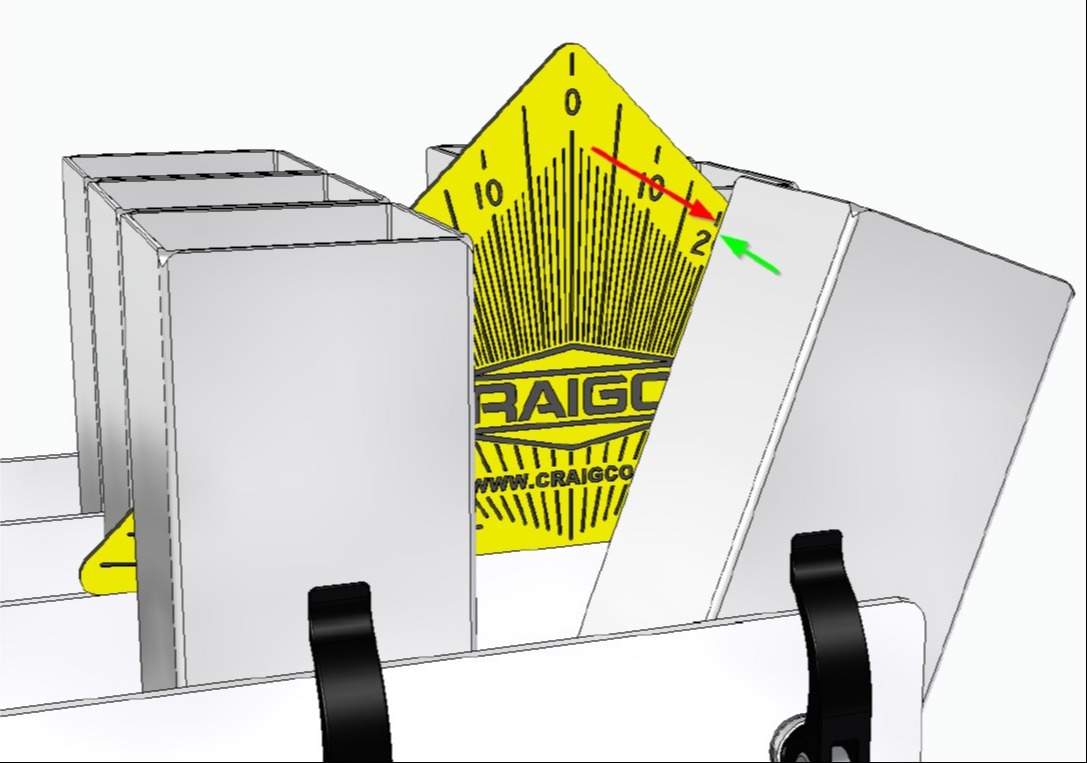
How to Set the Angle (Visual Example)
Line up the EDGE of the tube with the corresponding line on the Angle Setting Tool. When the tube edge and the tool line are parallel, your angle is set.
Why This Beats Gravity-Based Angle Finders
- No need to level your table or bench first
- No accumulated error from uneven surfaces
- Faster setup when doing multiple racks
- Consistent results every time
You set angles once, correctly, and move on.
Why There Is No Angle Decal (and Probably Won’t Be)
Angle decals or labels on the side of the rack sound good on paper, but in practice they fall apart.
For a decal to work properly:
- Each tube would need a clearly marked centerline
- Those centerlines would need to remain visible
MinCom racks don’t currently have tube centerlines marked. While a user could add one with a Sharpie or scribe, decals only work reliably on the outside tubes.
On racks like the 35-shot (7 rows deep):
- Front tubes block the view of tubes behind them
- Side decals cannot accurately reference tubes 2–7 rows back
- Multiple angles are commonly used within the same rack
At that point you’re eyeballing angles, and that’s not something I’m comfortable recommending.
This tool avoids all of that. It works directly at the tube, in any row, with the same accuracy.
Bottom Line
- Designed specifically for MinCom racks
- Fits between tube rows
- Does not rely on gravity or a level work surface
- Faster, cleaner, more repeatable than angle finders or decals
- Works on every tube, not just the outside row